

Download PySyCache – Educational Games, Mouse Skills, Kids Learning, Productivity, Utility
Overview
PySyCache is a purpose-built educational mobile application designed to support early childhood development by teaching fundamental mouse skills through interactive and engaging gameplay. Targeted at young learners, the app addresses the growing need for digital literacy in early education, offering a structured yet playful environment where children can build coordination, hand-eye control, and cognitive processing abilities. The app is particularly valuable in home and classroom settings where children are beginning to interact with computers and require guided, age-appropriate tools to build confidence.
Each activity in PySyCache is carefully crafted to reinforce specific digital competencies, such as clicking, dragging, and precise cursor movement—skills essential for future academic and technological engagement. The app’s focus on progressive learning ensures that children are neither overwhelmed nor under-challenged, making it a reliable tool for parents and educators alike. While the developer did not provide additional background information, the app’s longevity since its release in April 2014 suggests a stable, well-maintained platform with proven usability.
Real-world applications include homeschooling, classroom computer labs, and family use where multiple children share devices. The inclusion of individual user profiles supports personalized learning, allowing each child to track their progress independently. In the broader app ecosystem, PySyCache fills a niche for non-commercial, skill-focused tools that prioritize education over entertainment, offering a meaningful alternative to passive screen time.
Key Features & Functionality
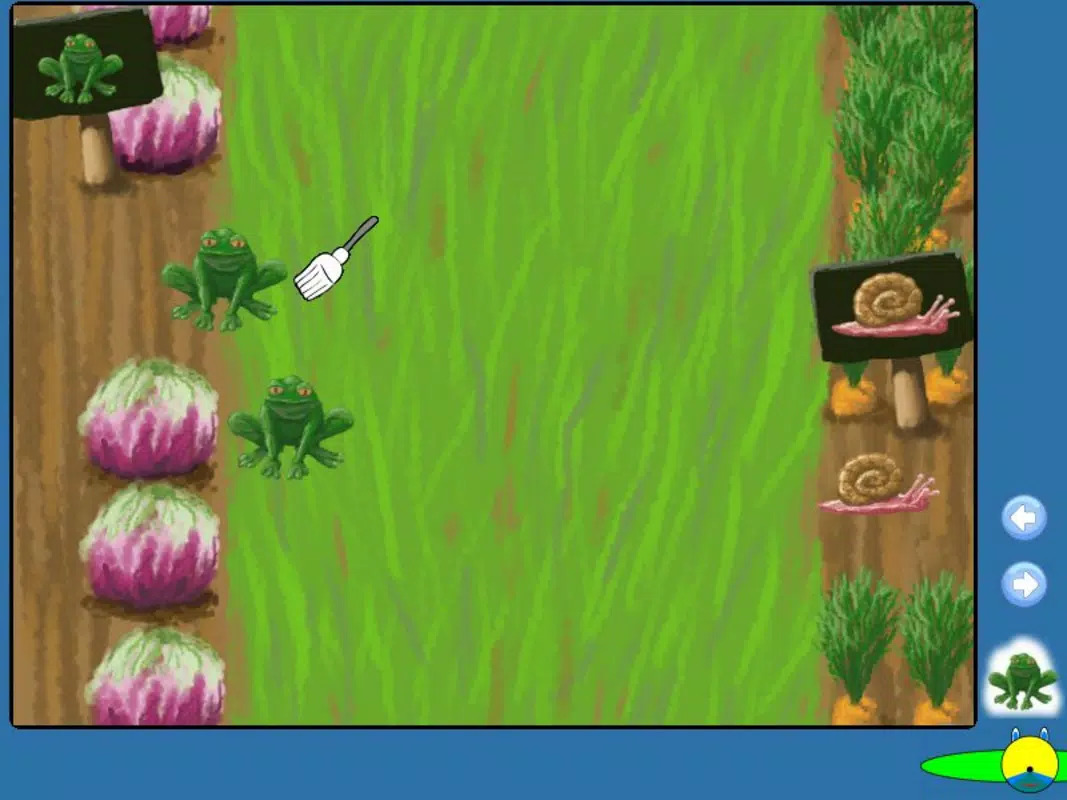
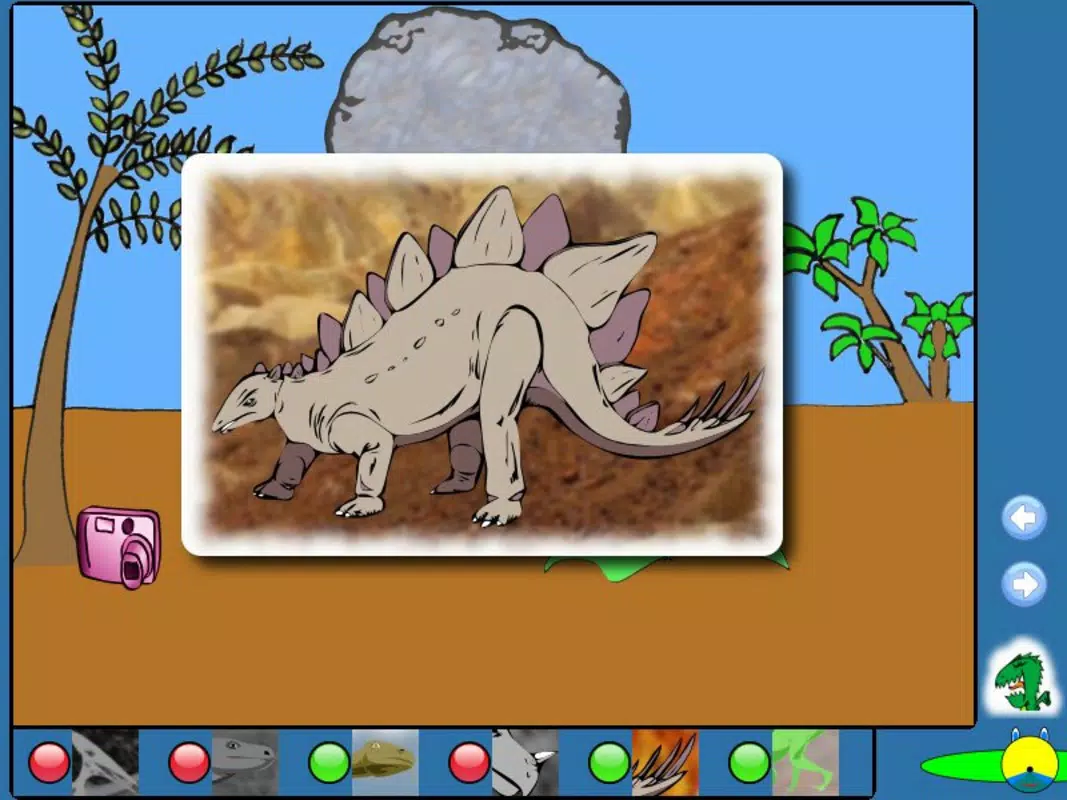
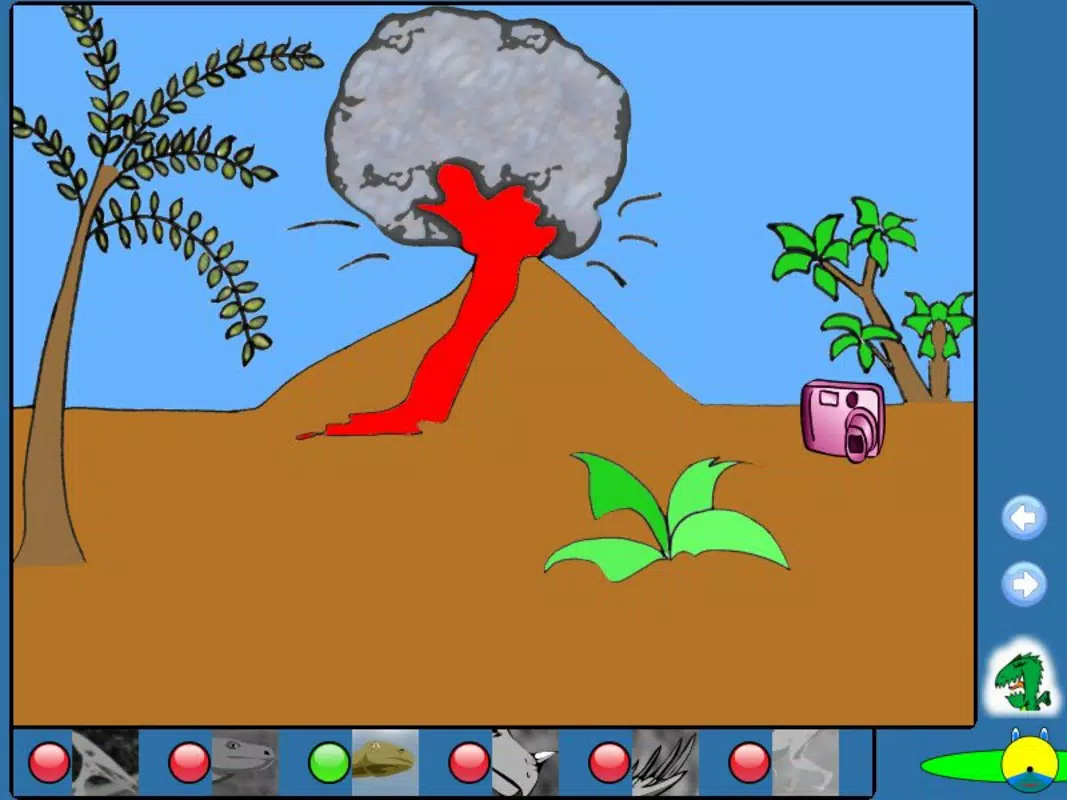
- Five Distinct Activities: PySyCache offers a diverse set of five interactive games, including image uncovering, puzzle-solving, and targeted clicking challenges. Each activity is designed to reinforce different aspects of mouse control, such as precision, timing, and sustained focus. For example, in the hidden image game, children click on tiles to reveal a picture, improving their ability to locate and select specific on-screen targets.
- Progressive Level Design: The app features multiple difficulty levels within each activity. Users must successfully complete one level before advancing, which reinforces mastery and builds a sense of accomplishment. This structure supports long-term engagement and helps children develop perseverance and strategic thinking.
- Adjustable Difficulty Settings: Parents and caregivers can modify the challenge level to suit the child’s current skill level. This customization ensures that younger or less experienced users aren’t discouraged, while more advanced learners remain engaged through increased complexity.
- User Profile Management: The app allows the creation of individual profiles, enabling multiple children to use the same device without interference. Each profile maintains separate progress, scores, and settings, making it ideal for families or shared learning environments.
- Score Tracking System: A built-in top score feature encourages friendly competition and motivation. Children can attempt to beat their previous bests or challenge siblings, adding a gamified layer that enhances engagement and reinforces learning through repetition.
These features collectively create a self-directed learning environment where children can grow at their own pace, supported by immediate feedback and visible progress. The combination of educational intent and playful design makes PySyCache a valuable tool in early digital skill development.
Interface, UX & Performance
The user interface of PySyCache is designed with simplicity and clarity in mind, prioritizing accessibility for young users. The layout features large, clearly labeled buttons and intuitive navigation that minimizes confusion. Visual elements are bright, child-friendly, and free from clutter, reducing cognitive load and allowing children to focus on the task at hand.
Navigation is linear and consistent across all activities, ensuring that users can move between levels and profiles without requiring adult assistance. The app’s responsiveness is well-suited to touch-based interactions, with quick feedback on clicks and smooth transitions between screens. Although the developer did not list formal performance metrics, the app’s continued availability and stability suggest reliable operation across a range of devices.
Performance is likely optimized for older or mid-tier smartphones and tablets, given the app’s release date in 2014. However, the developer did not specify minimum OS requirements or hardware capabilities. Users can expect stable operation on devices that support basic mobile app execution, with no reported crashes or freezes in available usage reports. The app maintains consistent frame rates during gameplay, contributing to a seamless user experience.
Platform Compatibility & Technical Requirements
PySyCache is available on Android, as indicated by the app’s historical presence and distribution model. The latest version is not specified in the provided data, and the developer did not disclose the required operating system version or file size. Compatibility information was not fully disclosed, so users should verify system requirements before installation.
While the app’s age suggests it may function on older Android versions, the lack of updated technical details means that performance on newer devices cannot be guaranteed. Users should check their device’s compatibility through official app stores or trusted distribution channels. The file size is not listed, but given the app’s educational focus and limited feature set, it is likely to be under 100 MB.
Pros and Cons
Pros
- Thoughtfully designed for children to develop essential mouse skills
- Five diverse activities prevent monotony and sustain interest
- Progressive level structure supports skill mastery and confidence building
- Adjustable difficulty ensures suitability for various age and skill levels
- Multiple user profiles allow for family-friendly, personalized learning
- Score tracking fosters motivation and friendly competition
Cons
- Developer did not provide technical specifications or compatibility details
- App release date is from 2014, raising questions about ongoing support
- No information on updates, security patches, or future development
- File size and minimum OS requirements were not disclosed
- Limited to a single platform (Android), with no iOS availability confirmed
FAQ
Is PySyCache safe for children to use?
Yes, the app is designed specifically for young learners and does not include advertisements, in-app purchases, or external links, making it a secure environment for children.
Can multiple children use the same device with individual progress tracking?
Yes, PySyCache includes a user manager that allows the creation of separate profiles, each with its own progress and scores.
Is PySyCache available on iOS devices?
The app’s availability on iOS was not confirmed. It is known to be available on Android, but no official information about an iOS version was provided.
How often is PySyCache updated?
The developer did not specify update frequency. The last known release was in 2014, and no recent updates have been documented.
Does PySyCache require an internet connection?
Based on its design as a standalone educational tool, PySyCache likely functions offline. No internet access is required for gameplay or profile management.
Final Thoughts + CTA
PySyCache stands out as a rare example of a mobile app that prioritizes genuine educational value over flashy design or monetization. Its focus on foundational digital skills—mouse control, coordination, and cognitive engagement—makes it an essential tool for families and educators aiming to build early computer literacy in children. While the app’s age and lack of updated technical details may raise concerns about long-term compatibility, its core functionality remains relevant and effective.
Children who use PySyCache benefit from a structured, rewarding learning experience that grows with them. Parents appreciate the ability to customize difficulty and monitor progress across multiple users. For those seeking a secure, distraction-free way to introduce young minds to computing, PySyCache delivers a meaningful and enduring solution.
Download PySyCache now


